


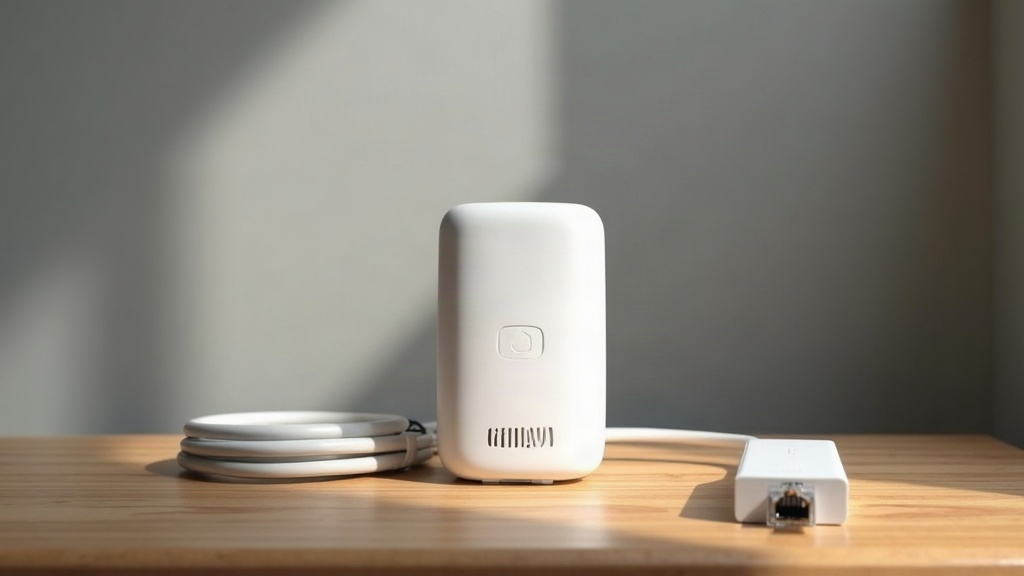
Why There Is No Single Best Answer
Your Wi-Fi does not reach the back bedroom. The video calls drop out in the kitchen. The garage is a dead zone. You have three options, and every article you read says a different one is best.
The reason the articles disagree is that all three options work well in some situations and badly in others. The right choice depends on your house, your budget, and your tolerance for messing around with technology.
Here is the breakdown.
Option 1: Wi-Fi Extender (Also Called Repeater or Booster)
What it is: A little box that plugs into a power outlet, connects to your router over Wi-Fi, and broadcasts its own Wi-Fi signal.
How it works: Your phone connects to the extender. The extender connects to the router over Wi-Fi. Every packet of data makes the trip twice - once between you and the extender, once between the extender and the router.
The good:
- Cheap ($20-50)
- Takes five minutes to set up
- No cables needed
The bad:
- Cuts your speed in half at minimum (because every packet has to be transmitted twice on the same frequency)
- Adds noticeable latency (the doubling effect makes everything feel sluggish)
- Can make the problem worse if not positioned carefully (a badly placed extender connects to the router over a weak signal and performs worse because of that)
- Two extenders near each other will interfere and slow each other down
Where it works: Very small houses or apartments where the dead zone is just one room away from the router. If you are in a small apartment and the router is in the living room but the bedroom signal is 30% weaker, an extender might fix it.
Where it does not work: Houses with thick walls, multiple floors, or any distance over about 30 feet. Also does not work for gaming, video calls, or anything sensitive to lag.
Verdict: The cheapest option that usually does not work well enough. Good for a specific, small problem. Bad as a general solution.
Option 2: Powerline Adapters
What it is: A pair of boxes that use your home’s electrical wiring to carry internet signals. Plug one into an outlet near your router and connect it with an Ethernet cable. Plug the other into an outlet in the room with the dead zone. Connect your device to the second adapter - either via Ethernet or its built-in Wi-Fi.
The good:
- Works through walls and floors that block Wi-Fi
- Much more stable than an extender (normally less interference, no signal halving)
- The wired version (Ethernet between adapter and device) is rock solid
- No configuration needed - they just work
The bad:
- House wiring quality matters a lot. Old wiring, fuse boxes, surge protectors, and circuits on different phases all reduce performance significantly
- Cannot be plugged into a power strip or extension cord (must go directly into a wall outlet)
- Actual speed is usually far lower than the box claims. A “1200 Mbps” powerline adapter might deliver 100 Mbps in a real house with real wiring
- More expensive than an extender ($40-100 for a pair)
Where it works: Houses with solid wiring where the layout makes Wi-Fi impractical. Especially good for getting internet to a detached garage, an upstairs room directly above the router, or a room on the opposite side of a thick stone wall.
Where it does not work: Very old houses with dodgy wiring. Houses with multiple fuse boxes (different electrical phases). Apartments where you share an electrical circuit with neighbors (powerline signals can leak). And never use powerline with appliances that generate electrical noise - old fridges, power tools, or anything with a large motor.
Verdict: Underrated. For many houses, wired powerline is better than either Wi-Fi extender or mesh. But you need the right wiring and you must accept that the speed will be less than advertised.
Option 3: Mesh Wi-Fi System
What it is: A set of two or three identical nodes that all talk to each other over a dedicated wireless channel. One connects to your router. The others sit in different rooms and provide strong Wi-Fi everywhere.
The good:
- Seamless roaming - your device switches between nodes without dropping the connection
- Easy setup via an app
- Modern mesh systems handle interference better than extenders
- Looks nicer than a traditional router (most of them are sleek white pucks)
The bad:
- Expensive ($100-300 for a three-pack)
- Every hop between nodes still reduces speed (though less than an extender does)
- Some systems require a subscription for advanced features (parental controls, security scans)
- If your house has wired Ethernet, mesh is usually worse than just plugging in access points (but you asked for wireless solutions)
Where it works: Medium to large houses (1000-2500 square feet) with open layouts and no extreme construction materials. Houses where the main problem is coverage, not speed.
Where it does not work: Very large houses (mesh nodes lose connection with each other over long distances). Houses with concrete or steel-reinforced walls (the mesh signal cannot get through either). Houses where you already have Ethernet cables (use wired access points instead - cheaper and better).
Verdict: The right answer for most people with a medium-to-large house and a reasonable budget. It fixes coverage problems cleanly. But it is not magic - the same physics that made the dead zone exist still apply.
The Decision Flowchart
Your Wi-Fi does not reach a room. Here is what to do:
-
Can you run an Ethernet cable? Yes → Do that. It is the best option for both speed and stability. If the cable run is too long or ugly, go to step 2.
-
Does the room have a power outlet on the same electrical circuit as the router? Yes → Try powerline. If you get a stable connection at 50+ Mbps, stop there. It is cheaper and more reliable than wireless options.
-
Is the house medium-to-large with standard construction? Yes → Mesh system. Spend $200-300 on a decent one (TP-Link Deco, Eero, or Asus ZenWiFi). Do not buy the cheapest one.
-
Is the problem just one room close to the router? Yes → A $30 extender might fix it. But only if the room is one wall away.
-
None of the above? You might need a wired solution - either pay someone to run Ethernet, or consider a powerline system with a Wi-Fi-enabled remote adapter.