


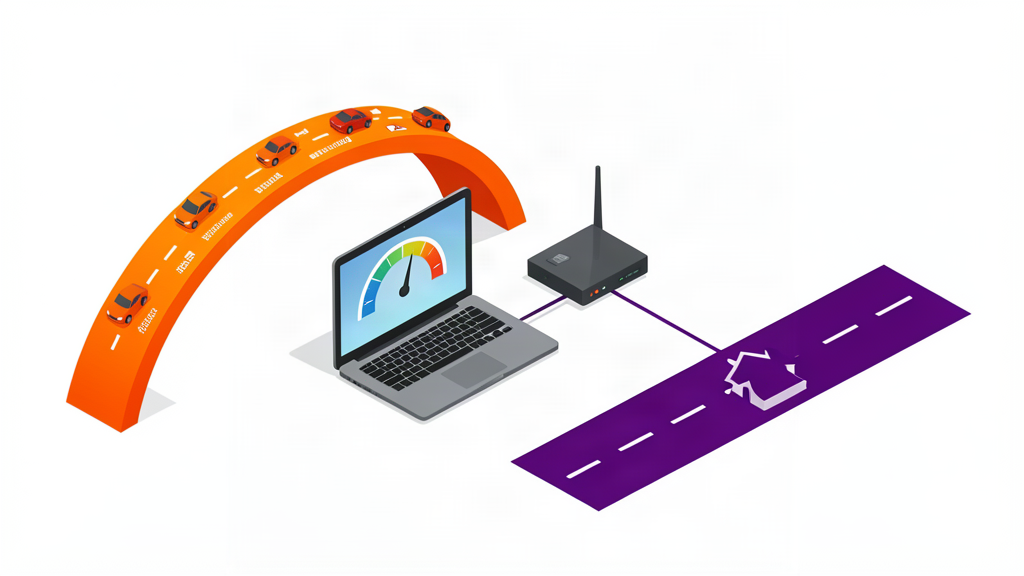
Why Your Speed Test Number Is Misleading
Your internet plan says “100 Mbps.” Your speed test says “95 Mbps.” So everything is fine, right?
Maybe. But that number tells you less than you think.
Speed test results measure how fast data can move between your house and a server that is designed to move data as fast as possible. That is not the same as how fast your actual internet feels when you are loading a website, watching a video, or joining a video call.
There are three separate numbers that matter, and most people only know one of them.
Throughput (Mbps) - The Pipe Width
This is the number on the box. 50 Mbps. 200 Mbps. Gigabit. It measures how much data can pass through your connection in one second.
Think of it as the width of a pipe. A wider pipe lets more water through at once. If you are the only person in the house checking email and watching the occasional YouTube video, a 50 Mbps pipe is plenty. If you have four people streaming 4K video, gaming, and doing video calls simultaneously, you want a bigger pipe.
But here is the thing: most people overestimate how much pipe they need.
| Activity | Mbps needed |
|---|---|
| Email, web browsing, social media | 1-5 |
| HD video stream (Netflix, YouTube) | 5-10 |
| 4K video stream | 15-25 |
| Video call (Zoom, FaceTime) | 3-8 |
| Online gaming | 3-10 (download), 1-3 (upload) |
| Large file download | As fast as you can get |
A family of four doing everything at once might peak at 80-100 Mbps. Paying for 500 Mbps is not wrong - it gives you headroom - but it is also not necessary for most households. The marketing departments want you to feel like you need gigabit. Most people do not.
Latency (Ms) - The Reaction Time
Latency is how long it takes for a single piece of data to travel from your device to a server and back. It is measured in milliseconds (ms).
This matters more than throughput for almost everything that feels “slow.”
Think of throughput as a freight train and latency as a Ferrari. The train carries more stuff, but the Ferrari gets there first. When you click a link, the first little piece of data needs to make a round trip (probably to a DNS server somewhere) before anything else can happen. If your latency is high, the page takes a noticeable moment to start loading, even if your connection is very fast.
- Good latency: Under 30 ms. You will not notice it.
- Decent latency: 30-60 ms. Fine for almost everything.
- Noticeable latency: 60-120 ms. Video calls might have a slight delay. Gaming might feel sluggish.
- Bad latency: Over 120 ms. Websites feel laggy. Video calls are frustrating. Forget competitive gaming.
Latency is affected by:
- Distance. Data can only travel so fast. A server on the other side of the world means higher latency, no matter how good your connection is.
- Connection type. Fibre has very low latency. Cable is slightly higher. Satellite (including Starlink) has much higher latency because the signal has to go to space and back.
- Your home network. Old routers, Wi-Fi interference, and too many devices all add latency.
Jitter (Ms) - The Inconsistency
Jitter is how much your latency varies. If your ping (a round trip to a server and back for one packet of data) is usually 30 ms but occasionally jumps to 150 ms, you have jitter.
Jitter is what makes video calls freeze and then resync. It is what makes online games look like the other player is teleporting around. It is often more annoying than high latency, because it is unpredictable.
Good jitter is under 10 ms. Bad jitter is over 30 ms.
Why Your Speed Test Lies to You
When you run a speed test, you are connecting to a server that is deliberately optimized to be fast. It is usually close to you. It has huge bandwidth. It is designed to give you a high number.
Real internet traffic does not work that way. When you load a website, your data travels through multiple servers, each of which could be slow or congested. When you join a Zoom call, your traffic routes through whatever path your ISP and Zoom decide, not the speed test server.
A speed test tells you the maximum possible speed of your connection to that one server. It does not tell you how fast your actual internet will feel.
A more useful test: Run a speed test properly, then do something real. Load a website that normally feels slow. Join a video call. Download a large file from a server you actually use. The real experience is what matters.
What You Actually Need
Here is a simple rule that covers 90% of households:
- 50-100 Mbps is enough for a couple of people doing normal internet things.
- 200-300 Mbps is enough for a family with multiple streams, gaming, and video calls.
- 500+ Mbps is for people who download huge files, run a home server, or just want to never think about it.
And no matter what speed you pay for, latency and jitter matter more than the number on your bill. A 100 Mbps connection with 20 ms latency will feel faster than a 500 Mbps connection with 120 ms latency.
The one thing worth spending money on: a good router. It will do more for your internet experience than upgrading from 200 to 500 Mbps, and it costs less.
Next: Wi-Fi Extenders vs Mesh vs Powerline - The Complete Comparison →